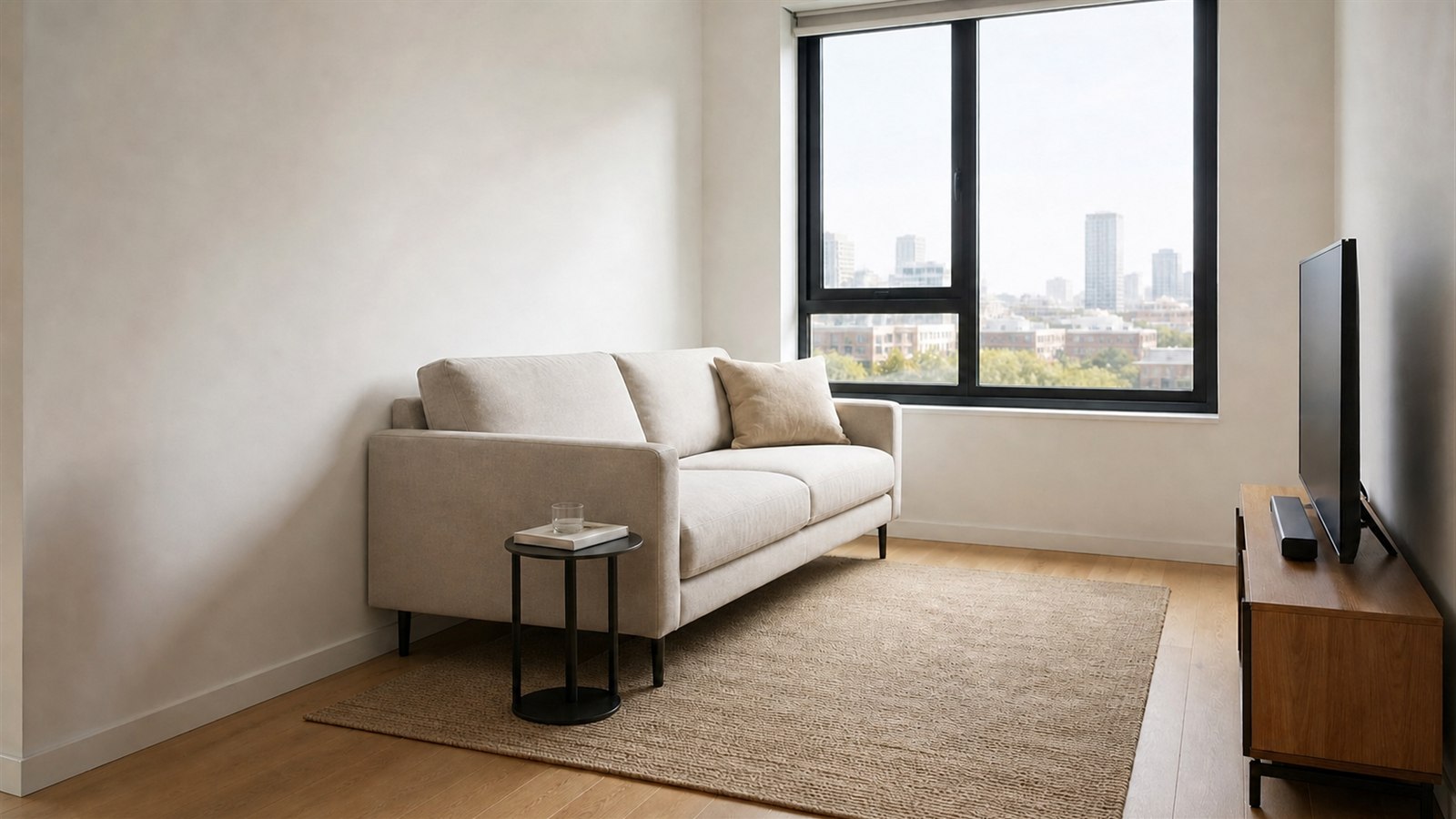
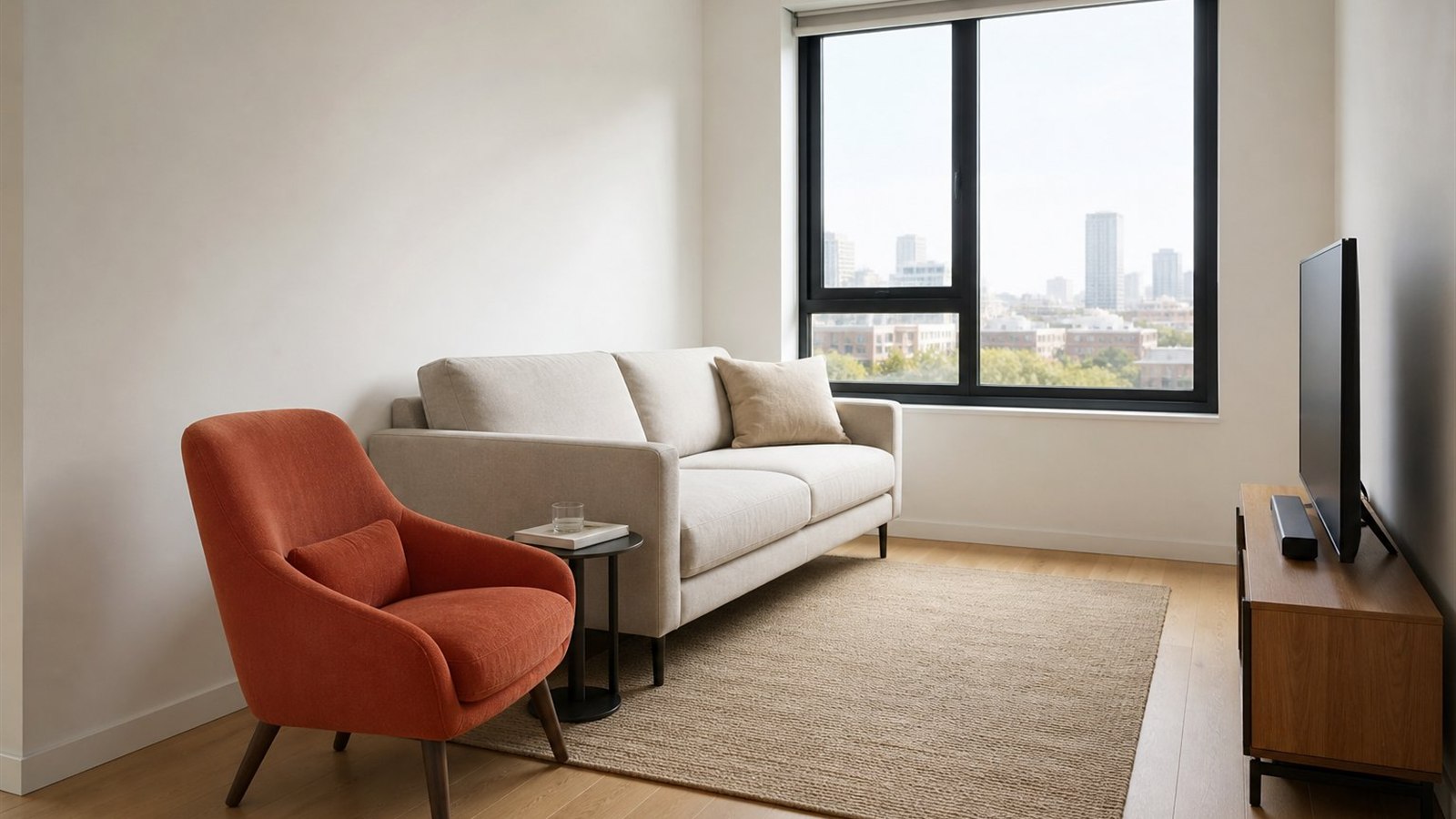
A product in context
The furniture reference becomes the hero piece in a complete room rather than a flat sticker over the photograph.
FOR FURNITURE BRANDS
Let a sofa, chair, table, bed or storage piece anchor a complete room concept while retaining its visible shape, material and proportions.
ONE CLEAR START
Before / After
The furniture reference becomes the hero piece in a complete room rather than a flat sticker over the photograph.
Upload JPG, PNG, WebP, HEIC, SVG, PDF, GLB, GLTF, OBJ or FBX. GLB is preferred for a self-contained 3D reference.
Width, depth and height provide binding scale guidance relative to the photographed architecture and help customers judge fit.
The AI is instructed to preserve the reference design, colour, materials and proportions while creating suitable supporting furniture, lighting and shadows.
COMMON QUESTIONS
GLB is recommended because geometry, materials and textures normally travel in one file.
Yes. YoDecor uses the first PDF page, so place one clear product image prominently on that page.
Dimensions improve the guidance, but the output remains an AI visualization. Confirm measured clearances before purchase or installation.