01Take one good photo
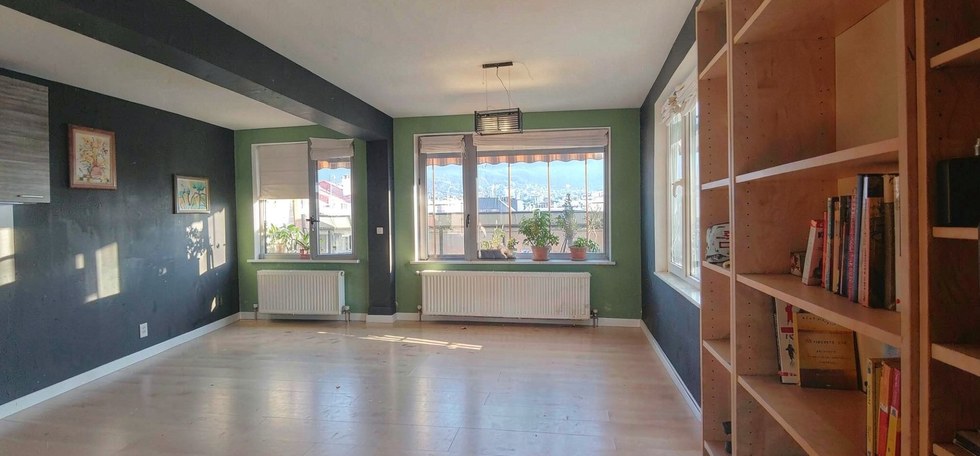
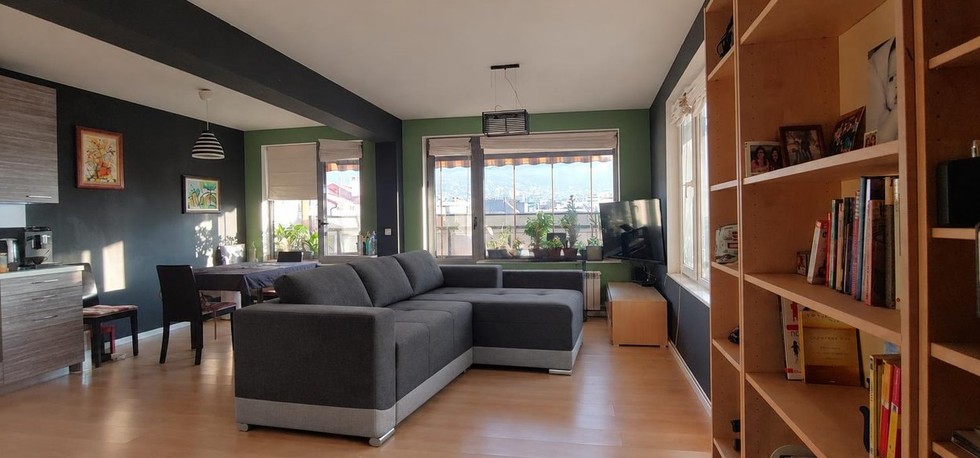
Stand in a doorway or a corner and photograph the room in daylight with the phone held level, with as much wall and ceiling in the frame as you can. Switch the lamps off so the walls show their true colour. JPG, PNG or WebP up to 15 MB.
02Upload it and let the tool find the walls
Open the paint tool and upload the photo. In 10-20 seconds every wall and the ceiling gets a numbered dot. Nothing is stored: the photo is only used to find the surfaces.
03Choose what to paint
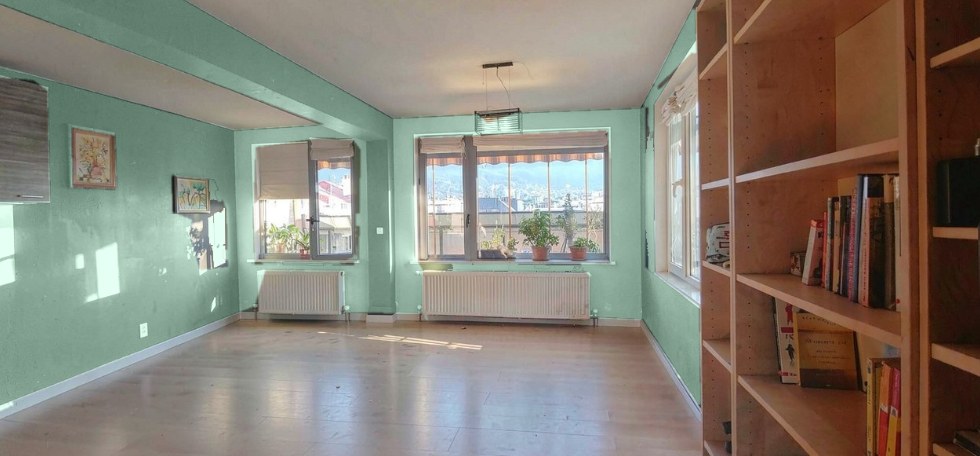
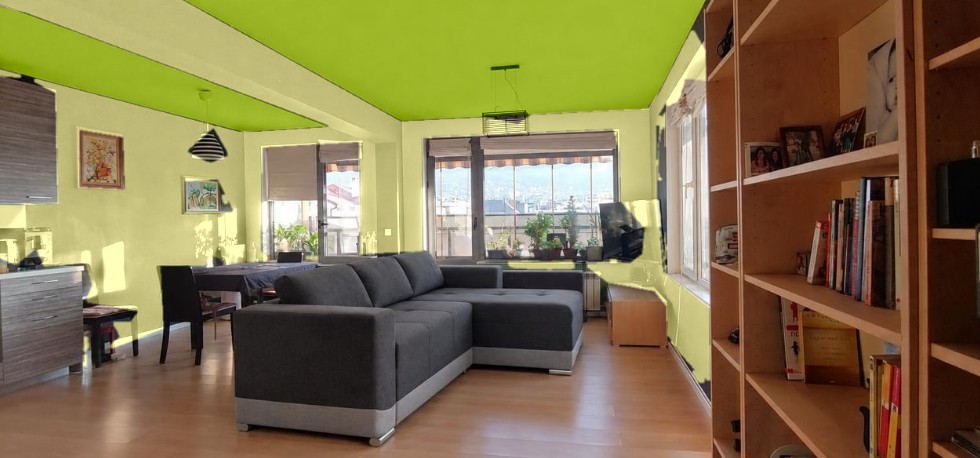
Press All walls to colour every wall at once, Whole ceiling for the ceiling, or tap one dot to paint a single feature wall. The orange highlight shows exactly what will change.
04Try colours
Pick from the palette or enter your own colour code. The new colour keeps the room's real light and shadows, so a sunny wall stays sunny. Hold Before to compare, switch the light to Even if the shading looks patchy, and use the brushes to fix a spot the tool missed or painted by mistake.
05Download and buy a sample
Download the painted photo and take it to the shop. Screens and paint never match exactly: buy a sample pot of your two favourites, paint an A4 patch on the wall you will paint and look at it in the morning and in the evening before buying the full amount.
06Prepare, then paint in order
Move furniture to the middle, mask the trim, fill and sand holes, wash greasy walls. Paint the ceiling first, cut in the edges with a brush, roll the walls in a W pattern and give the second coat only when the first is fully dry.
01How much paint do you need?
Add up the wall lengths, multiply by the height and subtract doors and windows. Most emulsion covers 10-12 m² per litre per coat. Two coats are normal, three for a strong colour over a dark wall. Buy all the tins from the same batch so the colour matches.
02Which finish for which room?
Matt hides small bumps and suits living rooms and bedrooms. Eggshell or satin wipes clean and is better for halls, kitchens and children's rooms. Bathrooms need a moisture-resistant paint. Ceilings are almost always matt, white or a lighter shade of the wall colour.
03Light changes every colour
North-facing rooms make colours cooler and greyer; south-facing rooms warm them up. Warm white bulbs push every colour towards yellow. That is why the paint tool keeps your photo's own light instead of showing a flat swatch - and why the sample patch matters.
04One wall or all of them?
A single feature wall behind the sofa or the bed adds depth without closing the room in. All four walls in a mid or dark tone make a small room cosy and a big one calmer. Try both in the tool before you decide - the first three rooms cost nothing.
05Colours from paint shops
Some paint shops offer the same tool on their own website with their colour cards, codes and prices, so the colour you tried is the colour you buy. If your shop does not have it yet, show them the link.