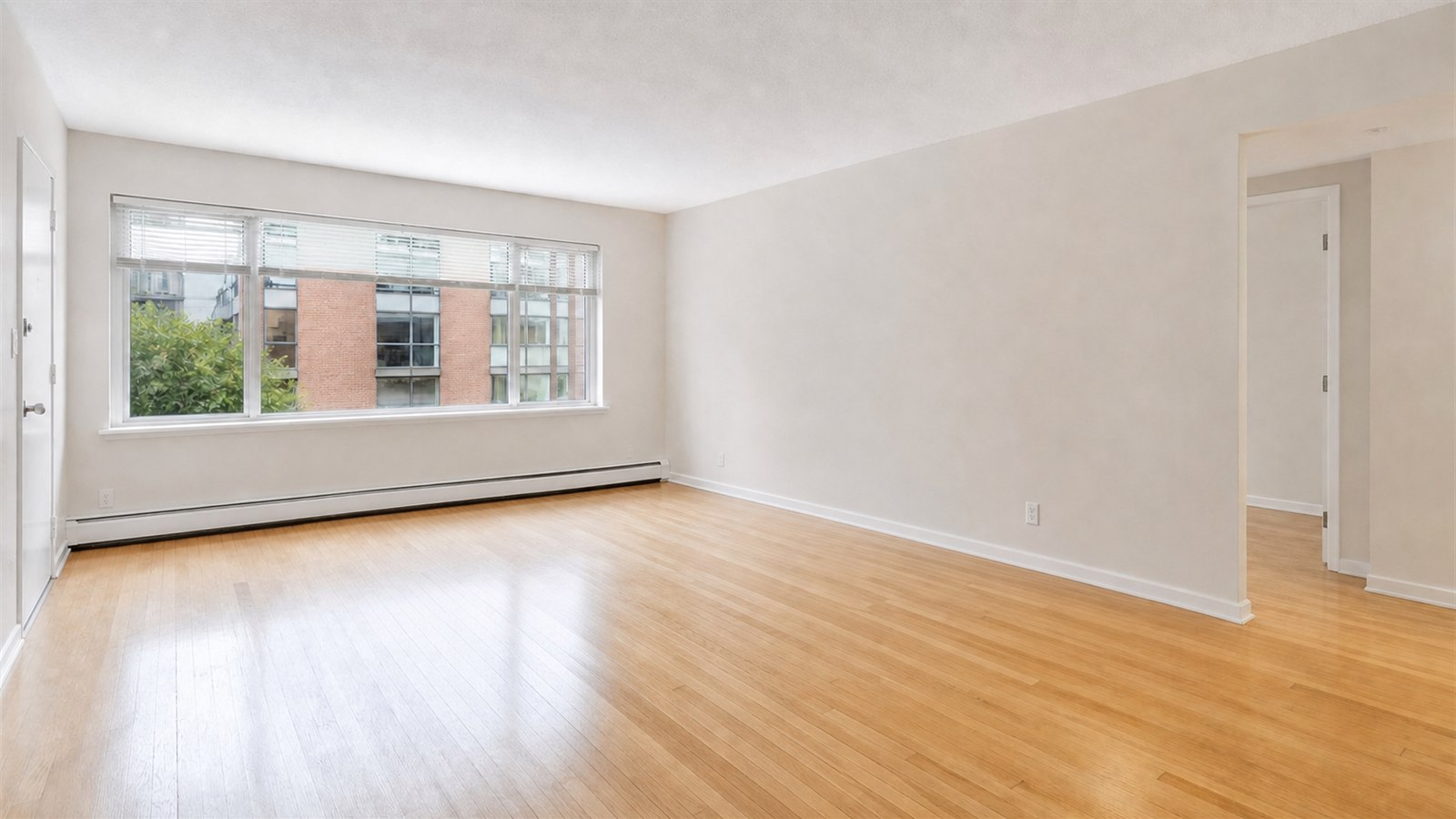
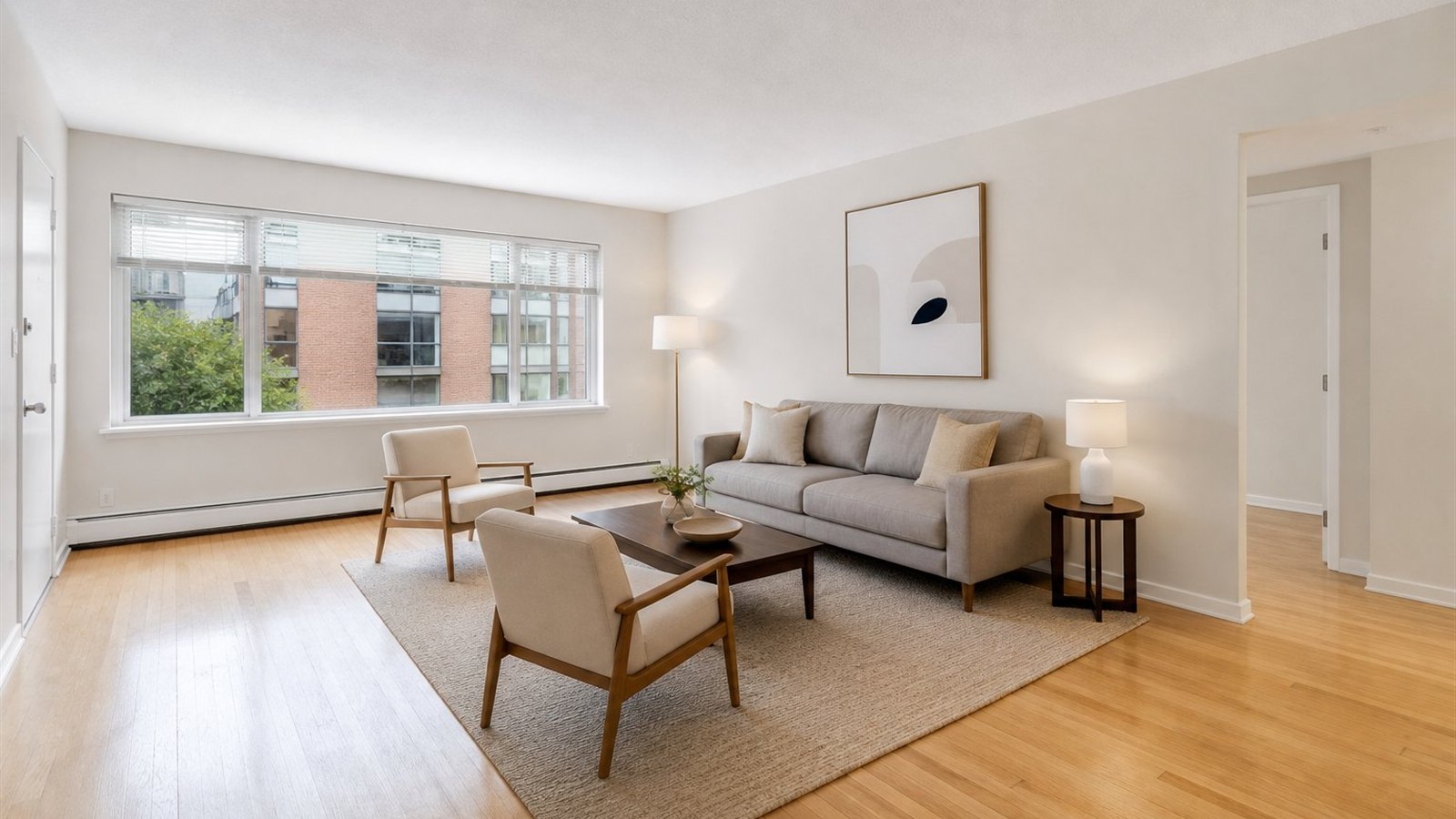
Vacant to inviting
A clear furniture plan explains how the room can work while the windows, walls and camera position stay intact.
FOR REAL ESTATE
Create restrained, listing-ready staging that shows function and scale without making the property look like a different home.
ONE CLEAR START
Before / After
A clear furniture plan explains how the room can work while the windows, walls and camera position stay intact.
YoDecor protects the photographed geometry, openings and fixed elements. Use Preserve strictly when the visual must remain especially close to the property being marketed.
The staging workflow favours believable scale, clear walkways and a complete but uncluttered furniture set suited to the room.
Use the before image alongside the staged version and identify AI or virtual staging in the listing where local rules or platform policies require it.
COMMON QUESTIONS
For a dated furnished room, it creates a clean base before staging. A vacant room can be furnished directly.
Paid access includes result downloads. Every project remains available in private history for comparison.
Yes where required, and it is good practice even when not mandatory. Show the original image so buyers can judge the real property.