YODECORStart a project

PAINT & WALL VISUALIZER

Try a new wall colour before opening a paint tin.

Explore warm neutrals, a deeper feature wall or a textured finish using a photo of your own room. The wall workflow asks the AI to keep furniture and fixed features in place so you can judge the new surface in context. Results still need careful comparison.

ONE CLEAR START

Choose the result you need first.

YoDecor adapts upload guidance and AI instructions to your project instead of treating every space the same way.
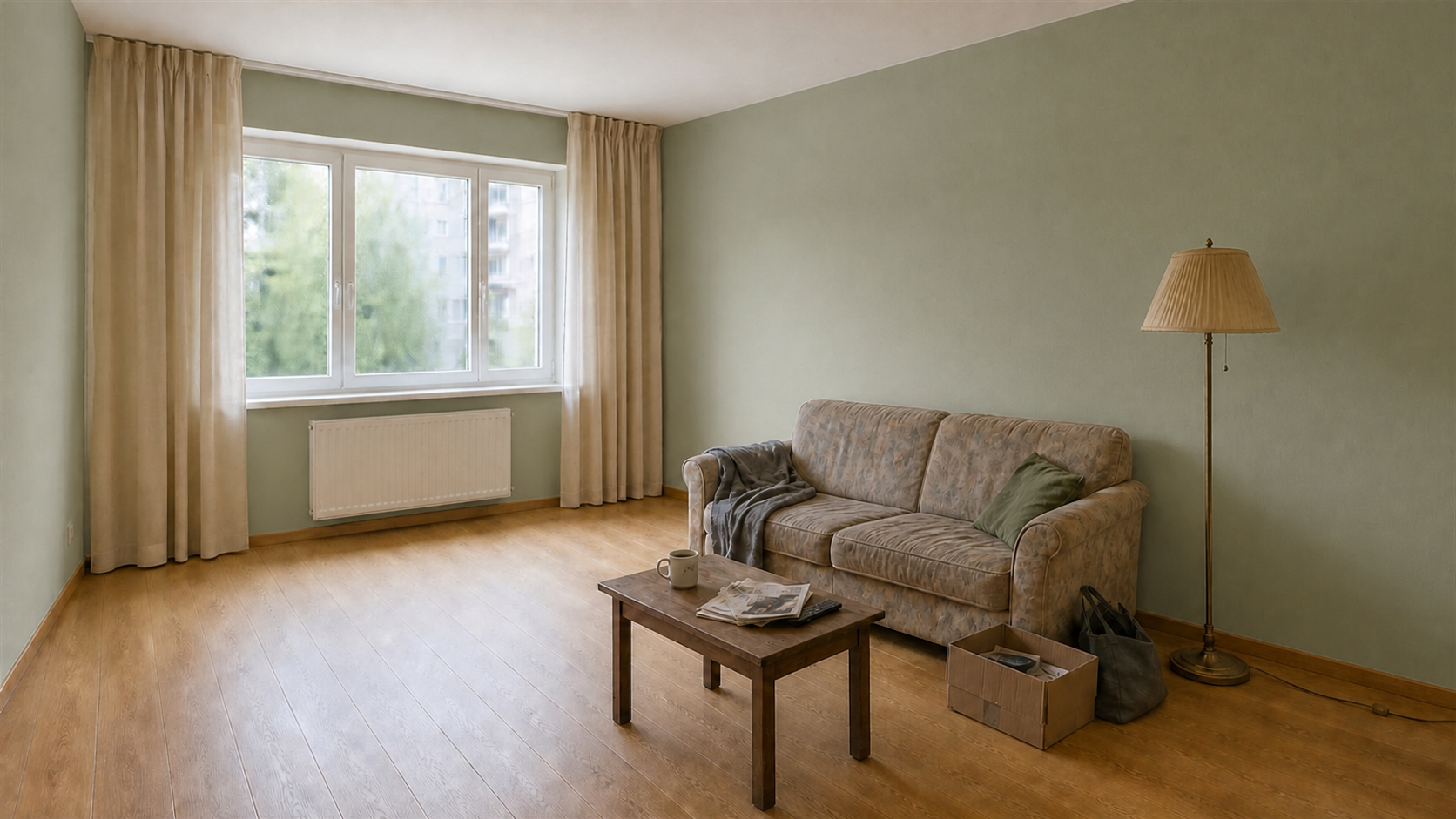
Illustrative wall finish concept showing a changed wall colour around the existing furniture

Illustrative AI concept, not a customer project or a verified result from the current YoDecor renderer. Your results may differ.

01

Use the wall-only route

Open Change walls and floors, upload a well-lit room photo and enter the wall finish. Leave the flooring field empty when the floor should stay. For one feature wall, identify it clearly in the brief, such as the wall behind the sofa.

02

Describe the finish or add a sample

Name the colour family and finish, for example muted sage matte paint or warm off-white plaster. You may upload one paint or wallpaper sample as a visual reference. The model interprets its visible colour, texture and pattern; it is not a calibrated manufacturer colour match.

03

Inspect edges and test the physical colour

Compare skirting boards, ceilings, windows, switches and furniture edges with the original. Shadows and screen settings affect colour appearance. Use the visualization to shortlist ideas, then check an actual sample in the room under daylight and evening light before purchasing.
COMMON QUESTIONS

Good to know before you begin.

Can I change paint without replacing the furniture?

Yes. The surfaces workflow instructs the model to preserve furniture and fixed objects. Generative mistakes remain possible, so inspect the whole result before using it.

Can I preview wallpaper or textured plaster?

Yes. Describe the finish or upload a sample. Pattern repeat, texture depth and edges may be approximate; confirm the real product and installation details separately.

Will the result match a paint code exactly?

No. A photo and display cannot provide a colour-calibrated proof. Treat the image as inspiration and test the manufacturer's physical sample in your room.