YODECORStart a project

AI WALL AND FLOOR FINISHES

Repaint the walls. Keep the room.

Most room visualizers replace the whole interior, which makes it hard to judge whether a paint colour or a floor actually suits the furniture you already own. This project changes only the wall and floor finishes and leaves everything else in the photograph untouched.

ONE CLEAR START

Choose the result you need first.

YoDecor adapts upload guidance and AI instructions to your project instead of treating every space the same way.
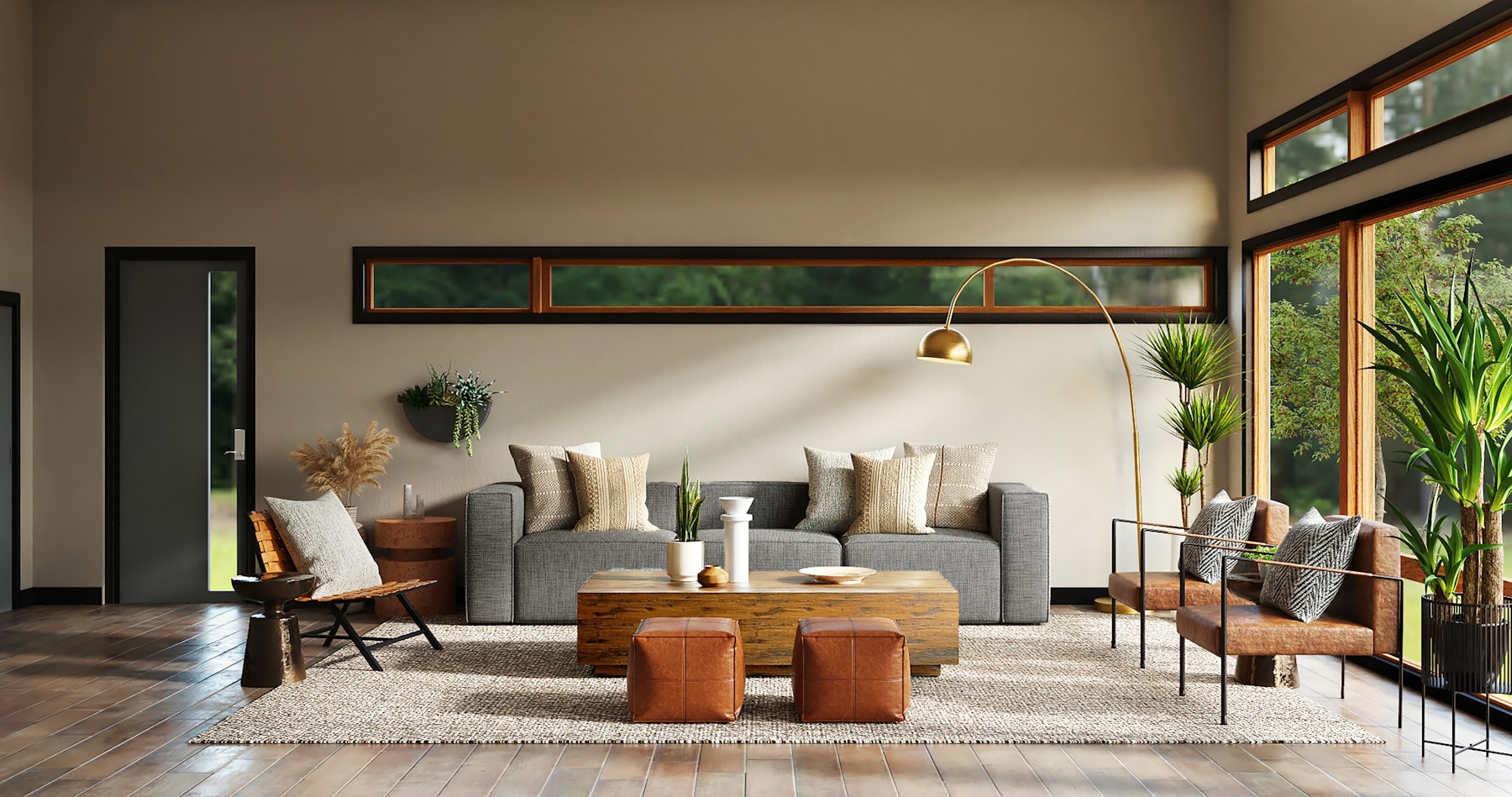
Design visualization created with YoDecor
01

Choose the walls and floors project

Select Change walls and floors in the new-project flow. Unlike a full redesign, this goal never clears the room first. Your sofa, curtains, lamps and everyday objects stay exactly where they are while the surfaces around them change.

02

Set a wall finish, a floor finish, or only one

Describe the wall finish, the floor finish, or just one of the two. When only one field is filled in, the other surface is deliberately held exactly as photographed, so a single change can be judged on its own before trying a second.

03

Furniture and architecture stay fixed

The camera view, windows, doors, skirting boards, radiators, sockets and built-in cabinetry are preserved. Areas hidden behind furniture and rugs stay hidden, so a new finish never appears through a sofa or across a carpet that is still in the room.

04

Light that matches the new surfaces

The original daylight direction, colour temperature and exposure are kept. Only the contact shadows, bounce light and reflections that a new finish would genuinely change are adjusted, which is what makes a repaint look photographed rather than pasted.

05

Judge the finish before you buy it

Compare the result against the original photograph before ordering paint, tiles or flooring. Because the room is never cleared, this goal uses a single AI pass instead of two and returns a result faster than a complete redesign.
COMMON QUESTIONS

Good to know before you begin.

Will my furniture be removed?

No. This is the one project type that never clears the room. Every movable object is preserved on purpose so the new finishes can be judged with your real furniture in place.

Can I change only the wall colour?

Yes. Fill in the wall finish and leave the floor field empty, and the floor is kept exactly as photographed. The same works in reverse when only the flooring should change.

How accurate is the colour?

Finishes are described in words, for example soft sage green, matte. The result is a realistic visualization rather than a calibrated colour proof, so confirm the final shade against a physical sample or a manufacturer swatch before ordering.

Does it work from a floor plan?

This goal needs a photograph of the existing room, because it changes finishes on surfaces that are already visible. Floor plans are supported by the redesign and client concept goals instead.